If you applied for placement via KUCCPS but didn’t get your preferred course, or if you missed the first application window, you still have a chance to revise your choices and secure placement in a programme that matches your KCSE results. This guide explains exactly how to revise KUCCPS choices online — from eligibility to submission — step by step.
What Is KUCCPS Revision of Choices?
Revision of Choices is a special window that allows students to:
- Change or update their course selections
- Choose available programmes if they didn’t secure placement earlier
- Apply for the first time if they missed the initial application window
This process happens online through the KUCCPS student portal
Who Can Revise Their KUCCPS Choices?
Eligibility for course revision typically includes:
- Students who applied but were not placed in the initial application round.
- Candidates who didn’t apply during the first round but obtained the minimum KCSE grade required for placement.
- In some cycles, past KCSE graduates who never applied through KUCCPS may also be allowed to revise or apply; this can vary by year and announcement.
When Is the KUCCPS Revision Window Open?
For example, in recent placement cycles, the revision window for the 2025/2026 academic year ran from 18th to 27th May 2025.
👉 KUCCPS usually announces revision dates publicly on its website and through SMS to candidates, but you must act within the official window — late revisions are not accepted.
What You Need Before You Start
Before starting your revision, make sure you have:
✔ Your KCSE index number
✔ The year you sat the exam
✔ Your password (often your birth certificate or KCPE index)
✔ List of preferred programme codes and institutions
✔ Reliable internet access
These details will be required to log in and make your changes.
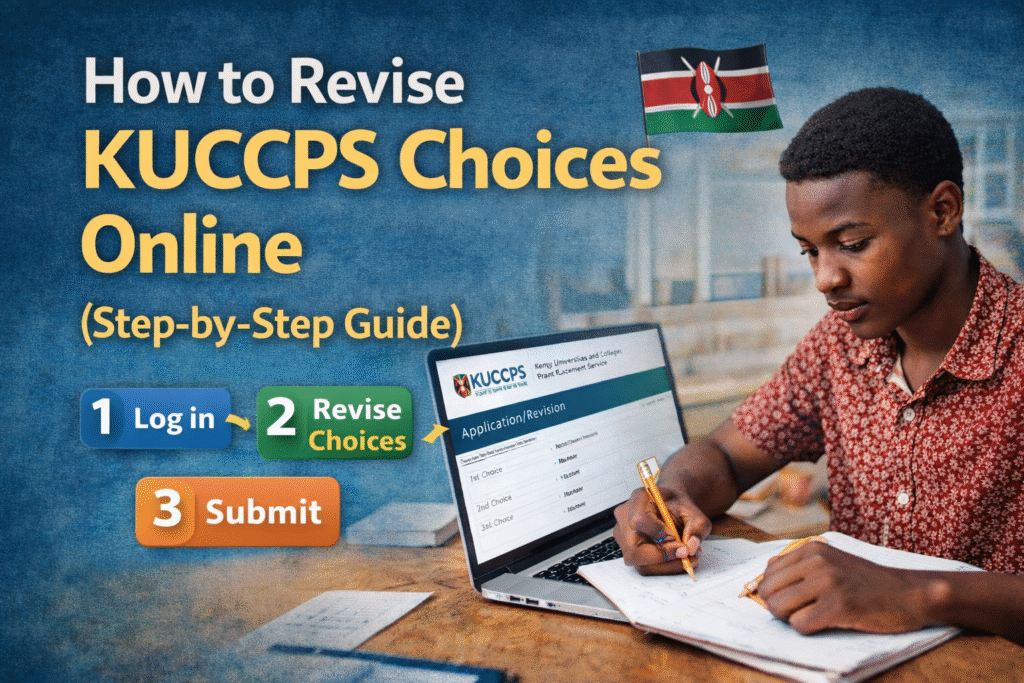
Step-by-Step Guide: How to Revise KUCCPS Choices Online
- Visit the Official KUCCPS Website
Go to the official KUCCPS portal
Make sure you are on the legitimate site before entering any information.
- Click on the Student Portal
On the homepage, find and click the “Student’s Portal” tab. This will take you to the KUCCPS login page where you submit or revise your choices.
- Log in With Your Credentials
Enter:
- KCSE index number
- KCSE year
- Password (usually your birth certificate number or, if not available, your KCPE index number)
If you forget your password or have trouble logging in, follow the portal’s password recovery instructions or contact KUCCPS support.
- Go to the “Application/Revision” Section
Once logged in, navigate to the Application/Revision tab. This is where you can see your previous course choices and make adjustments.
- Review Your Old Choices
Before making any changes, carefully review your current selections. Check:
- Course codes
- Institution names
- Order of preference
You want to be sure that your changes reflect realistic options based on your KCSE results.
- Enter Your New Programme Codes
Use the spaces or fields provided to enter the new programme codes for the courses you want to revise.
Ensure you know the correct codes — entering incorrect codes will cause errors.
👉 Programme codes can be found on the KUCCPS portal next to each course listing.
- Save and Confirm Your Revision
After entering your new choices:
- Click Save / Update
- Review the list once again
- Once satisfied, click Submit
The portal will update your application accordingly. Make sure you save before exiting.
- Log Out Safely
Once your revisions are complete, click Logout or close your browser. This helps protect your account details and prevents unauthorized access.
Tips for a Successful Revision
✔ Apply early within the revision window — the portal can get busy near the deadline.
✔ Double-check programme codes before submitting.
✔ Ensure your choices match your KCSE performance and career goals.
✔ Keep your index number and password secure.
✔ If mistakes occur, correct them immediately before submission.
What Happens After You Revise?
Once the revision window closes:
- KUCCPS processes placements
- New placements are published on the portal
- You will be able to see your placement status when you log in again
KUCCPS placement is merit-based and considers your grades, preferences, and available spaces.
Common Questions About KUCCPS Revision
📌 Can I revise if I was placed already?
Usually, revision is for those who were not placed or wish to adjust choices before new placement is finalized.
📌 Can past candidates apply?
In some cycles, past KCSE graduates who never joined tertiary institutions are allowed to apply/revise.
📌 Is revision manual or online?
Revision must be done online through the KUCCPS portal — there are no physical forms for revision.
Final Words
Revising your KUCCPS course choices is an important opportunity to rescue your placement goal and get into a higher education programme that aligns with your academic performance and interests. Follow these steps carefully, keep track of deadlines, and make informed choices that match your long-term education and career plans.
Ready to Improve Your Chances?
Once you’ve revised successfully, watch for the new KUCCPS placement results and prepare for joining your institution. If you need help choosing courses or understanding requirements, check our other guides linked below.